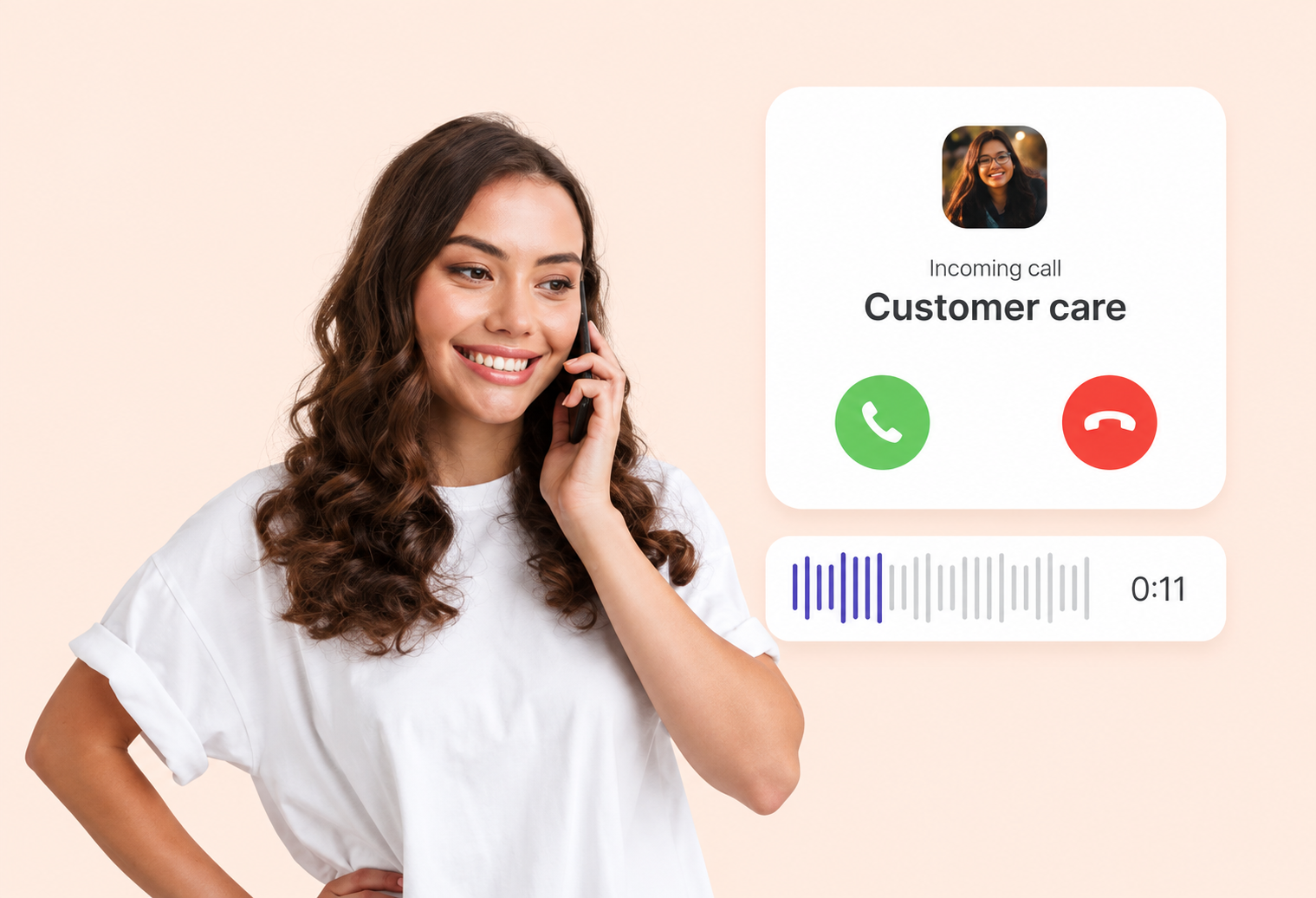

Voice

Voice communication for the moments that need a conversation.

Automated voice notifications, IVR menus, inbound and outbound calling and click-to-call, so customers can reach you and you can reach them by phone.

Voice communication for the moments that need a conversation.

Voice in India: the short answer

Business voice communication means using phone calls, automated or agent-led, to reach customers and handle their calls. Mantraxtel's voice service covers IVR, bulk voice calls, click-to-call, reminder calls and inbound and outbound calling, with call routing and reporting built in for Indian businesses.

Last updated:

At a glance

ServiceBusiness voice services by Mantraxtel
IncludesIVR, voice broadcasting, inbound and outbound calling, click-to-call, routing
ReportsCall reporting
Best forReminders, support lines, lead callbacks, urgent notices
Pairs withBulk SMS, WhatsApp Business API and email
Contactsales@mantraxtel.com, +91 82188 68212 (Mon-Fri, 9:30 AM-6:30 PM IST)

What is business voice communication?

Business voice communication is the use of phone calls, automated or agent-led, to inform, support and engage customers. It includes automated voice notifications and reminders, IVR (Interactive Voice Response) menus that route callers, outbound calling campaigns and inbound call handling. Voice is used when a message needs to be heard, when a customer prefers to talk, or when a written message is not enough.

The challenge

Some customers do not read. Some situations cannot wait for a reply.

A payment reminder that is ignored, an emergency notice that needs acknowledgement, or a customer who simply wants to talk to someone: written channels do not cover every moment. Businesses need a voice option that is as reliable and measurable as messaging.

  • Written messages can be missed or ignored by some audiences.
  • Urgent notices need confirmation that the customer heard them.
  • Callers get lost without clear routing to the right team.
  • Manual dialling does not scale for reminders and follow-ups.
Our approach

Automated and agent-led voice, with routing and reporting built in.

Send voice notifications and reminders at scale, build IVR menus that route callers to the right place, run outbound campaigns and add click-to-call to your website or app. Every call returns a status so you know who answered and what happened next.

  • Voice broadcasts for reminders, alerts and announcements.
  • IVR menus with keypad input and routing rules.
  • Inbound numbers with routing to teams or agents.
  • Call status and duration reporting.
Key capabilities

Everything you need from Voice.

Voice notifications

Automated calls that read out reminders, alerts and confirmations.

IVR

Interactive menus that let callers choose options and reach the right team.

Outbound calling

Scheduled or triggered calls to customers, automated or agent-led.

Inbound calling

Business numbers that receive customer calls and route them.

Voice broadcasting

One recorded message delivered to a large list with delivery status.

Call routing

Rules that send calls to teams, locations or agents by time and input.

Click-to-call

Let customers start a call from your website or app in one tap.

Automated voice

Text-to-speech and recorded prompts for consistent messaging.

Voice communication

Voice is the most direct channel a business has. It carries tone, urgency and reassurance in ways text cannot. Used well, it complements messaging: a reminder by SMS, a follow-up call if there is no response, and a human conversation when it matters.

IVR

An IVR (Interactive Voice Response) system greets callers, presents options and routes them based on keypad input. It handles common requests such as order status or balance enquiries automatically, and sends everything else to the right team, reducing wait times and misrouted calls.

Voice notifications

Automated voice notifications deliver a recorded or text-to-speech message to customers: appointment reminders, payment due dates, delivery updates or emergency notices. Customers can press a key to confirm, reschedule or speak to someone.

Inbound communication

Publish a business number, greet callers with your brand and route them by menu choice, business hours or location. Inbound calling gives customers a dependable way to reach you and gives your team a structured way to answer.

Outbound communication

Outbound calling covers reminders, surveys, collections follow-ups, lead callbacks and announcements. Calls can be fully automated or connected to an agent when the customer answers, with reporting on outcomes.

Call routing

Routing rules decide where each call goes: by IVR selection, time of day, caller location or agent availability. Good routing shortens the path to resolution and keeps teams focused on the calls they are best placed to handle.

Benefits

Why businesses choose Voice for the moments that matter.

Reaches every audience

Voice works for customers who do not read messages or prefer to talk.

Confirms attention

Keypad responses confirm the customer heard and understood.

Scales reminders

Automated calls replace manual dialling for routine follow-ups.

Routes callers well

IVR and routing get customers to the right team faster.

Use cases

Where Voice does its best work.

Appointment reminder calls

Automated reminders with press-1-to-confirm for clinics and services.

Payment reminders

Due-date calls with an option to talk to a collections agent.

IVR for customer support

Route callers to billing, support or sales without a receptionist.

Lead callbacks

Connect a sales agent to a new lead within minutes of sign-up.

Emergency and service notices

Broadcast outage or safety information with acknowledgement.

Click-to-call from your site

Let visitors start a call from a product or pricing page.

How it works

Getting started with Voice

01

Define the call flow

Tell us whether you need notifications, IVR, inbound, outbound or a mix.

02

Set up numbers and prompts

We configure business numbers, recorded or text-to-speech prompts and routing.

03

Go live and measure

Start calling, monitor outcomes and refine prompts and routing over time.

Voice questions, answered.

Clear answers to the questions we hear most. If yours is not here, ask us directly.

What is IVR?

IVR (Interactive Voice Response) is an automated phone menu. It greets callers, offers options such as "press 1 for orders", collects keypad input and routes the call or answers the request automatically.

Can voice notifications be sent to a large list?

Yes. Voice broadcasting delivers a recorded or text-to-speech message to many customers, with a status for each call.

Can customers respond during an automated call?

Yes. Keypad options let customers confirm, reschedule, opt out or ask to speak to a person.

Do you support inbound business numbers?

Yes. Inbound numbers can be set up with IVR menus and routing rules for teams, hours and locations.

How does click-to-call work?

A button on your website or app starts a call between the visitor and your team, so customers do not need to dial a number manually.

Can voice be combined with SMS?

Yes. A common pattern is an SMS reminder followed by a voice call if there is no response, or a voice call followed by an SMS with details.

Some conversations need a voice.

Tell us about your Voice requirements and we will recommend the right setup.

Discuss Your Requirement