
WhatsApp Business API

Conversations, notifications and commerce on WhatsApp.

Reach customers on the messaging app they open every day. Send approved template notifications, answer questions in real time, share catalogues and hand conversations to your team, all through the official WhatsApp Business API.

Conversations, notifications and commerce on WhatsApp.

What is the WhatsApp Business API?

The WhatsApp Business API (also called the WhatsApp Business Platform) is the official way for medium and large businesses to send and receive WhatsApp messages at scale from their own systems, rather than from a single phone. Businesses send pre-approved template messages such as order updates and reminders, and customers can reply to start a two-way conversation handled by agents or automation. Messages arrive in the customer's normal WhatsApp inbox from a verified business profile.

The challenge

Customers reply on WhatsApp. Most businesses can only broadcast.

An SMS tells the customer something; a WhatsApp conversation lets them ask, confirm, choose and buy. But a shared phone with the free app cannot handle hundreds of chats, keep a record, route to the right agent, or send notifications from your order system. The API is built for exactly that.

  • Notifications from a shared handset do not scale and are not auditable.
  • Customers expect a reply within minutes, at any hour.
  • Without templates and opt-in handling, messages get blocked or reported.
  • Sales and support chats end up spread across personal phones.
Our approach

One verified business number, connected to your systems and your team.

Trigger template notifications from your order, booking or billing systems, let customers reply, automate the routine answers, and route the rest to a shared team inbox. Catalogue, list and button messages turn a chat into a guided journey, and every conversation is logged.

  • Verified business profile with your name, logo and description.
  • Approved templates for order, delivery, appointment and payment updates.
  • Interactive buttons, lists and product catalogues.
  • Automation for FAQs with hand-over to a human agent.
Key capabilities

Everything you need from WhatsApp Business API.

Template notifications

Pre-approved messages for order updates, reminders, OTPs and alerts, sent from your systems.

Two-way conversations

Customers reply in the same chat; agents or bots respond within the 24-hour service window.

Buttons and list messages

Quick-reply buttons and menus so customers choose with a tap instead of typing.

Product catalogues

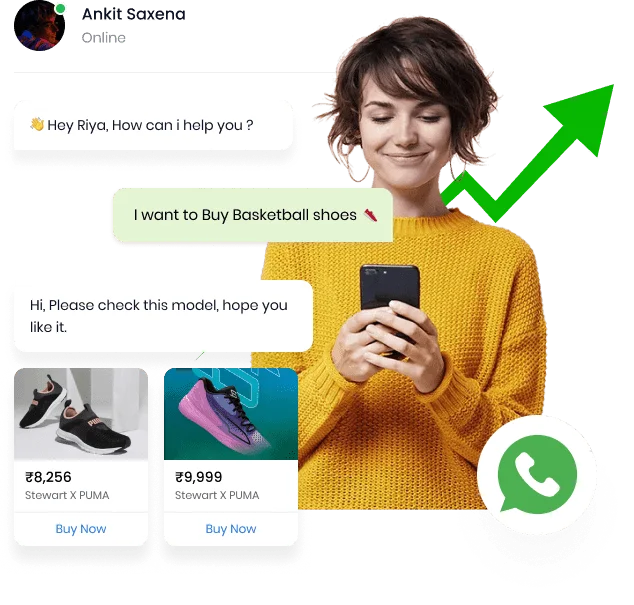
Show single or multi-product messages from your catalogue and take orders in chat.

Media and documents

Send images, PDFs, invoices, tickets and location pins inside the conversation.

Verified business profile

Business name, logo, address and hours on your profile, with verification where eligible.

Chatbots and automation

Guided flows for tracking, FAQs and lead capture, with escalation to a person.

Shared team inbox

Route chats to the right team, assign, tag and keep the full history.

Why WhatsApp

For most customers in India, WhatsApp is the default way to talk to friends, family and, increasingly, businesses. A message there is read quickly and replied to naturally. The Business API brings that channel into your systems so notifications, support and sales all run from one verified number with a full record.

Notifications and templates

Business-initiated messages on WhatsApp use pre-approved templates: order confirmations, delivery updates, appointment reminders, payment receipts, OTPs and re-engagement offers. Templates can include variables, media headers and buttons. We help you write templates that get approved and perform well.

  • Utility templates for updates and reminders
  • Authentication templates for OTPs
  • Marketing templates for opted-in offers
  • Media headers, variables and buttons
Notifications and templates

Conversations and support

When a customer replies, a 24-hour service window opens in which you can answer freely. Route those chats to a shared inbox, let agents pick them up, and use automation for the questions that repeat: order status, store hours, return policy. Everything stays in one thread the customer can scroll back through.

Commerce and catalogues

Product and catalogue messages let customers browse items, add them to a cart and place an order without leaving WhatsApp. Pair them with payment links and delivery updates and the whole purchase happens in the chat.

Automation and chatbots

Guided flows handle the routine: track an order, book a slot, capture a lead, answer FAQs. Buttons and lists keep the flow simple, and any conversation can be handed to a person the moment it needs one.

Opt-in, quality and compliance

Customers must opt in before you message them, and message quality affects how much you can send. We help set up opt-in capture, template categories and sending practices that keep your number healthy and your customers happy to hear from you.

  • Opt-in collection on web, app and SMS
  • Template category guidance
  • Quality rating and tier management
  • Opt-out handling
Opt-in, quality and compliance
Benefits

Why businesses choose WhatsApp for the moments that matter.

Highest attention

WhatsApp is the app customers open most; messages are seen and answered.

Two-way by design

Confirmations, questions and purchases happen in the same thread.

Rich and secure

Media, documents and buttons over an end-to-end encrypted channel.

Scales with a team

One number, many agents and bots, with routing and history.

Use cases

Where WhatsApp does its best work.

Order and delivery updates

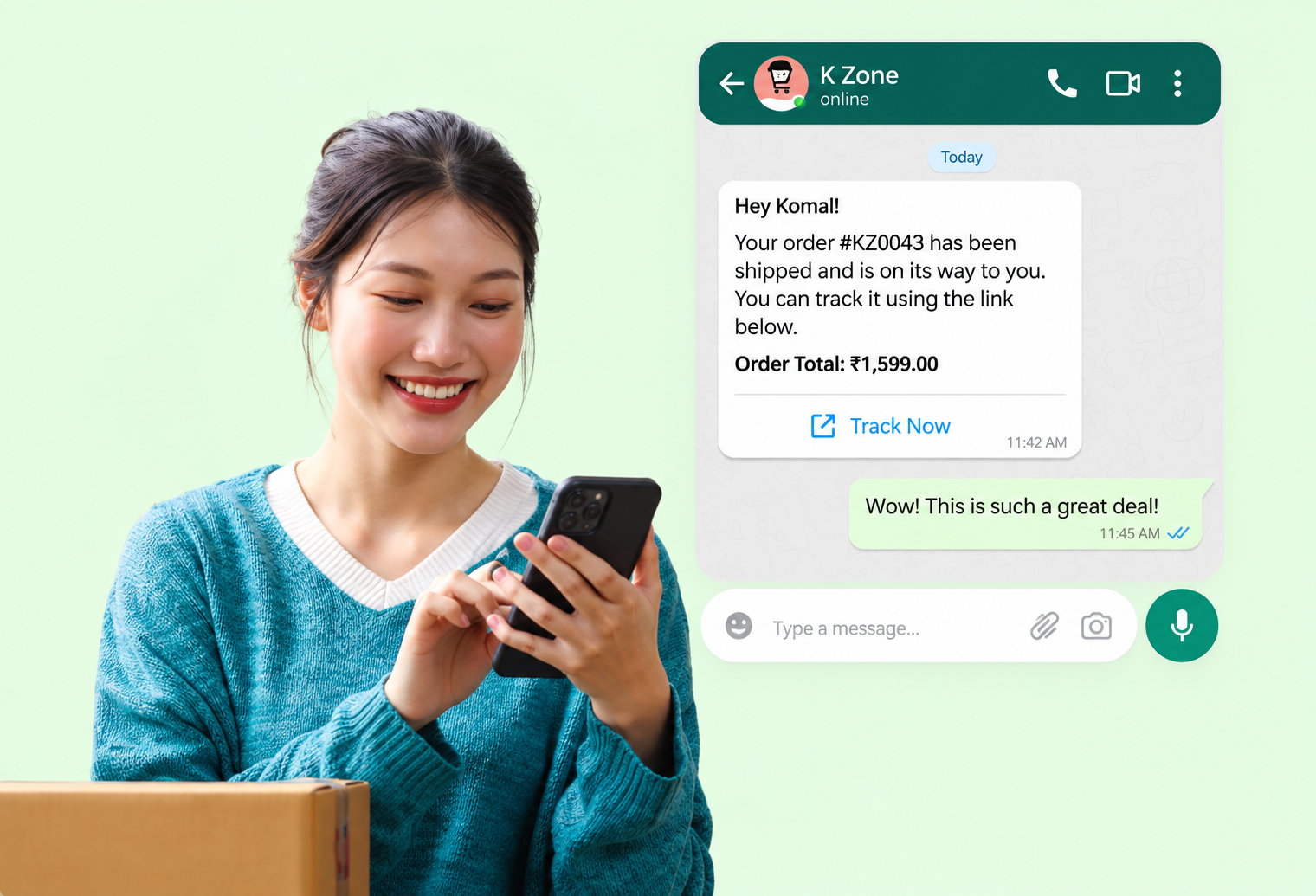
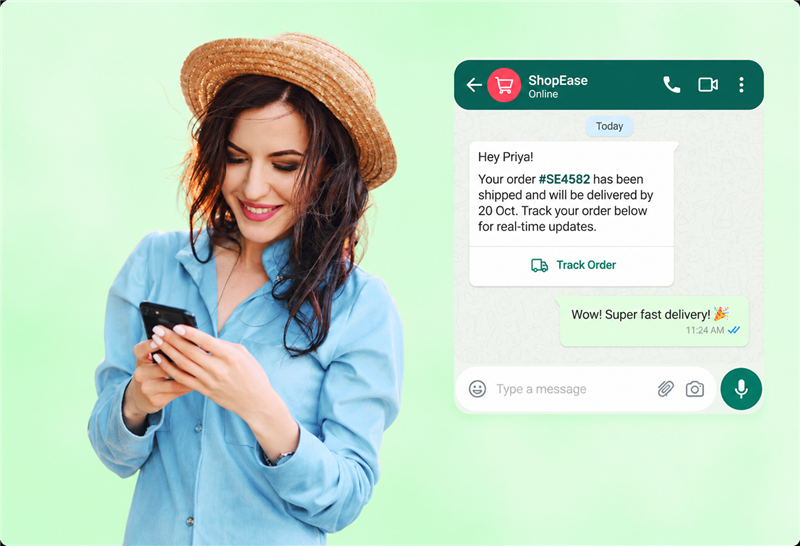
Confirmation, dispatch and delivery messages with a Track button and live replies.

Customer support

Two-way support with a shared inbox, tags and hand-over from bot to agent.

Appointment booking

Book, confirm and reschedule with list messages and reminders.

Catalogue and orders

Browse products and order in chat, with payment links and receipts.

Lead qualification

Answer enquiries instantly and collect details before a callback.

OTP and account alerts

Authentication codes and account notices on a secure channel.

How it works

Getting started with WhatsApp Business API

01

Verify your business

We set up your WhatsApp Business account, number and profile through Meta business verification.

02

Approve templates and flows

Design notification templates, quick-reply flows and inbox routing for your use cases.

03

Go live and grow

Connect your systems, collect opt-ins and scale up as your quality rating grows.

WhatsApp Business API questions, answered.

Clear answers to the questions we hear most. If yours is not here, ask us directly.

What is the difference between the WhatsApp Business app and the API?

The free app is for small businesses using one phone. The API is for businesses that need to send notifications from their systems, handle many conversations with a team or bots, and keep records. It has no app; messages are sent and received through the platform.

Can I send promotional messages on WhatsApp?

Yes, to customers who have opted in, using approved marketing templates. Utility and authentication templates cover updates and OTPs.

Do customers need to save my number?

No. Messages arrive from your verified business profile with your name and logo, even if the customer has not saved the number.

How fast can we reply to customers?

As fast as your team or automation responds. Once a customer messages you, you can reply freely for 24 hours; after that, a template message re-opens the conversation.

Can WhatsApp work alongside SMS?

Yes. A common setup sends the notification on WhatsApp and falls back to SMS if the customer is not reachable there, so nobody is missed.

Is the WhatsApp Business API secure?

Messages between WhatsApp and the customer are end-to-end encrypted. Business data is handled according to Meta's platform policies and our own responsible-data practices.

Want customers to reply, not just read?

Tell us about your WhatsApp requirements and we will recommend the right setup.

Discuss Your Requirement